Manual Price
This module is built and depends on the Orig. Unit Price module.
An additional field called "Manual Price" is added to the Sales Line and Purchase Line. When a user decides to change the "Unit Price Excl. VAT" (Sales Order line), "Direct Unit Cost Excl. VAT" (Purchase Order Line) or "Line Discount %" manually, this Boolean field will change its value to True in the order line as soon as the focus is changed to another line. This is triggered by the fact that either the "Unit Price Excl. VAT" or the "Line Discount %" deviates from the "Orig. Unit Price" and "Orig. Line Discount %" respectively.
In the example below the first Sales Order Line the "Unit Price Excl. VAT" was changed manually and in the third line the "Line Discount %" was added manually.
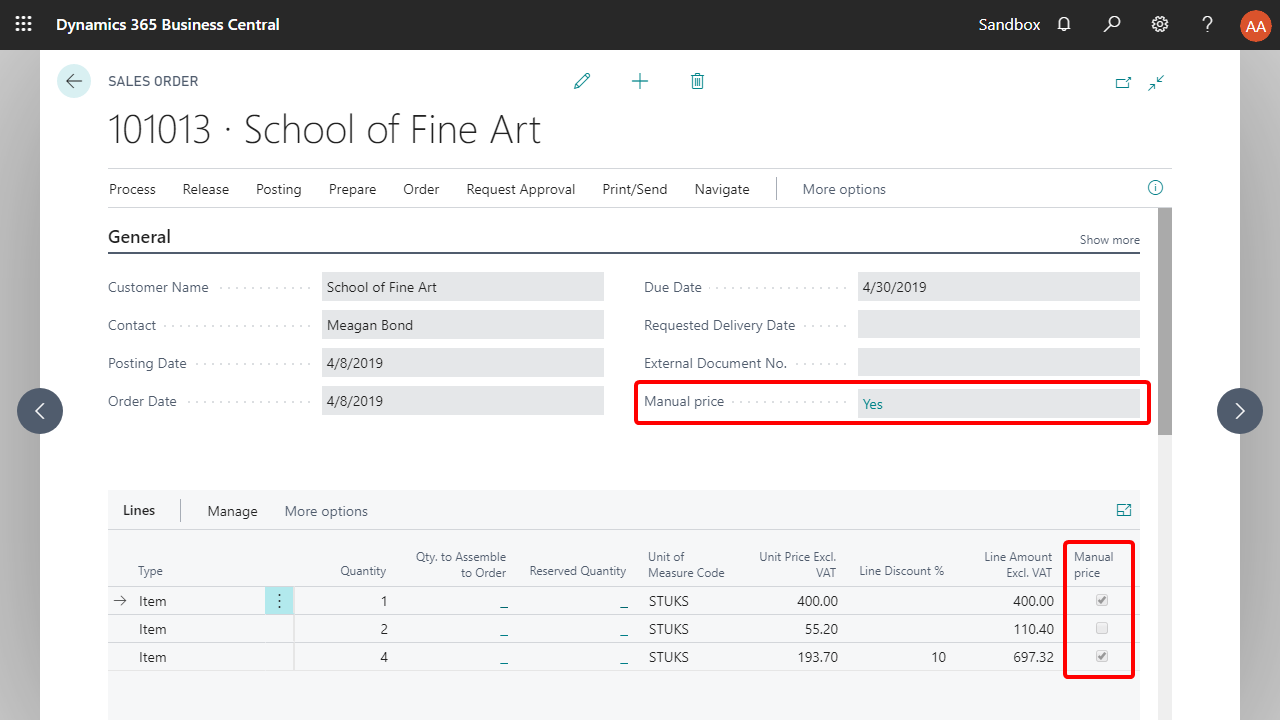
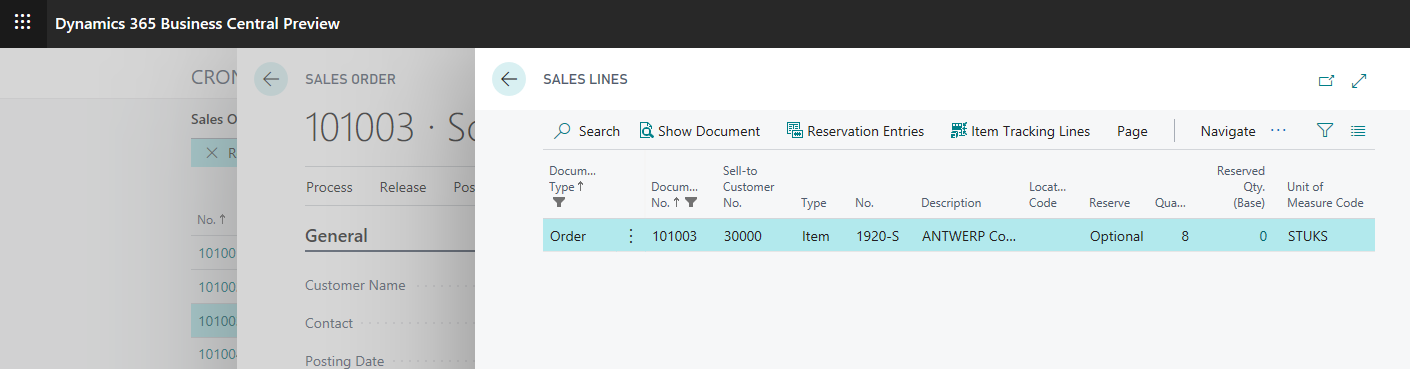
The "Manual Price" is added to the "Sales Header" and "Purchase Header" as well. When one or more of the sales or purchase lines contain a manual price, the value of the field in the header of the "Sales Order" or "Purchase Order" will change to Yes (see also the screenshot above). You can click on the 'Yes' value to display a list of all the lines in the Sales Order or Purchase Order, which contain a manual price:
The "Manual Price" field is also added to the header and lines of all other tables and pages associated to the sales and Purchase process, i.e., "Sales Quotes", "Sales Order Archive", "Posted Sales Shipments", "Posted Sales Invoices", "Purchase Quotes", "Purchase Order Archive", "Posted Purchase Receipts" and "Posted Purchase Invoices" as well as in the return order process tables and pages.
You can use this functionality to control margins and sales performances and keep track of how often prices and discount % are changed manually. You can also use this functionality for example in a workflow as a criterion for approval.
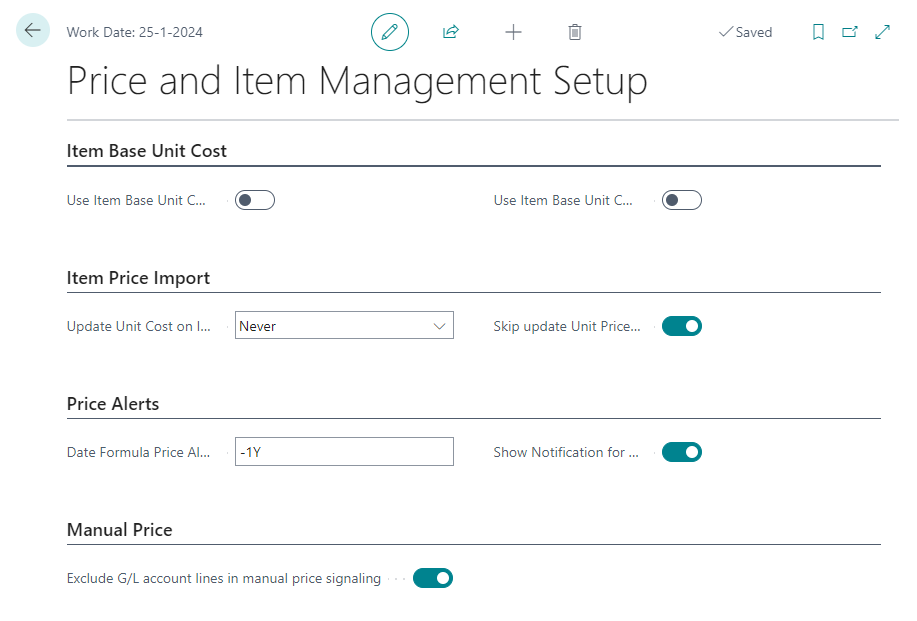
You can enable/disable the manual price signaling for G/L account lines in the Price and Item Management Setup with the option Exclude G/L account lines in manual price calculation.